 |
| This is the app icon. :) |
There is an app as well as a website and it is SO easy to set it up regardless of what platform you use.
First things, first. You must set up an account and then you add your class name. A teacher that has multiple classes can set up to 10 classes. I thought this was great for middle and high school teachers who have lots of classes. It would also be great for those elementary grade levels that departmentalize.
Next you invite your parents/students to subscribe. If they text the code, they will receive their updates via text. If they email the code, they receive their updates via email.
Oh, and this is a one-way communication. It is only for reminders, announcements, etc. Parents/students cannot text you back through this medium. So, your number stays private and others' numbers are not published!

Remind 101 provides you will a flyer to share with your parents so that they can subscribe either by email or text. It is seriously so easy to set this up!
Once a parent/student subscribes, they will see a text or email that looks like this:
 |
| This is the where I got my hubby involved! |
I, then, sent him a test email and he received it very quickly! Love this!!
You'll notice on the pic above that my username is @rhar. I did not like that! On the help menu on the website, there is a step by step way that you can fix that so I just followed those simple directions and got it the way I wanted! :) [The first class that you create, they will automatically set up your username. You just have to create a new class with the username of your choice. Then, you can delete the other class if you want.]
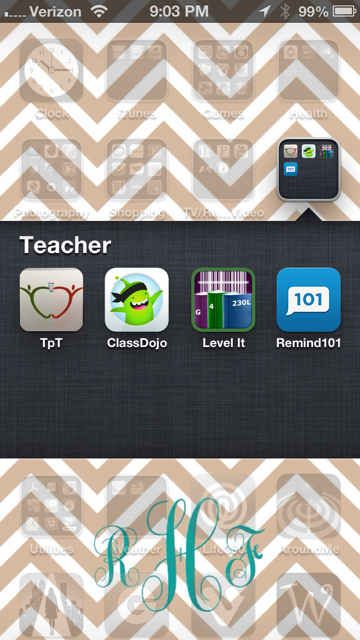
I have this app already sitting in my teacher folder ready to go for the new year!!
Hope this little tutorial/review helps. I know I am excited about it!

